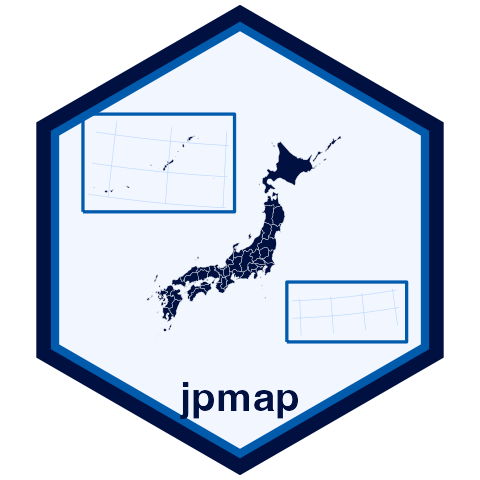
Why move Okinawa and Ogasawara?
Japan spans a long north-south and east-west range. A geographically
literal map can make smaller islands difficult to see.
jpmap follows the usmap idea of using insets
so important regions remain visible in ordinary plots. Use
inset = FALSE, inset = "okinawa", or
inset = "ogasawara" when you want to exclude one or both
transported island groups. You can also use okinawa = FALSE
or ogasawara = FALSE, mirroring the style of
UchidaMizuki/jpmap. plot_jpmap() draws inset
boxes by default; set inset_boxes = FALSE to remove them.
The boxes are visual guide frames for the transported inset clusters and
are sized to cover the Okinawa and Ogasawara source extents that
jpmap transports. They are display frames, not legal
extents. When boxes are shown, the longitude/latitude lines inside them
are local graticules for the transported island group, so they show true
island coordinates rather than the destination coordinates of the
box.
Does jpmap include boundary data?
Large boundary GeoPackages live outside the functionality package.
Install the companion jpmapdata package when you want
ready-to-use boundary files, or use jpmap_build_data() to
build a local GeoPackage from MLIT N03 administrative area data. Use
jpmap_build_data(prefecture = "Ehime") when you only need
one prefecture.
Which boundary levels are supported?
The API supports regions = "prefectures" and
regions = "municipalities".
Can I add my own points or lines?
Yes. Use jpmap_transform() on a data frame,
sf object, or sfc geometry vector, then add it
to a plot_jpmap() map with ggplot2 layers.